
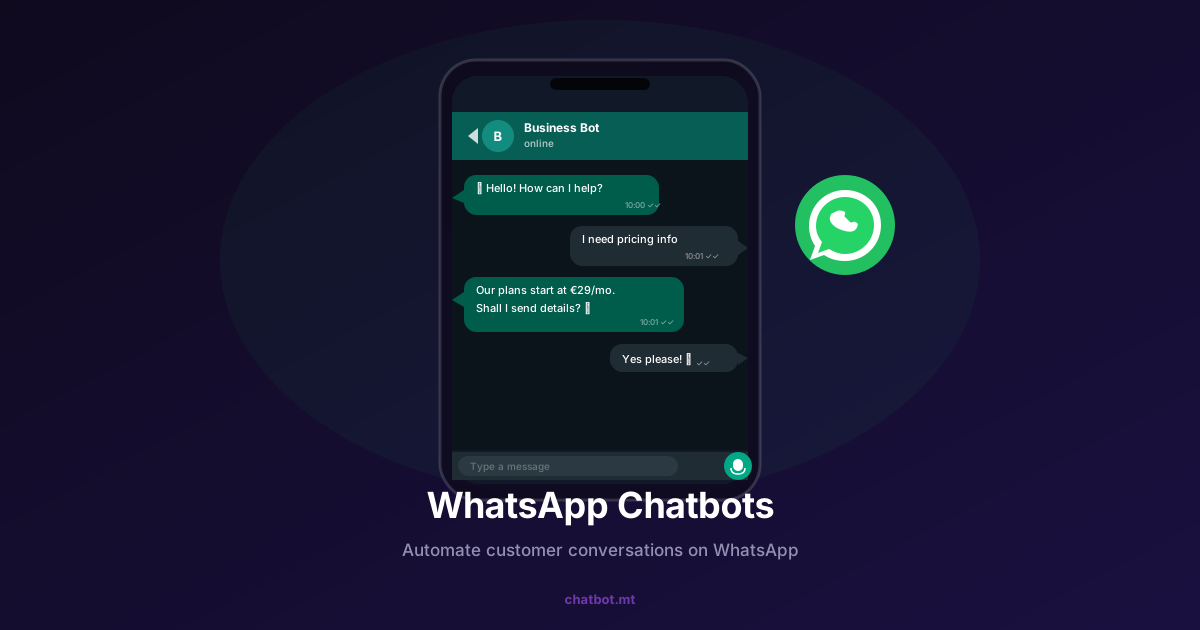
WhatsApp has over 2 billion active users. In Malta, it’s the dominant messaging app — used for everything from family conversations to business enquiries. If your customers are messaging you on WhatsApp (and they are), you need a strategy for handling those conversations at scale. That strategy is a WhatsApp chatbot.
This guide covers everything you need to know: how WhatsApp chatbots work, what they can do, how to set one up, and how to avoid the common mistakes businesses make.
What is a WhatsApp Chatbot?
A WhatsApp chatbot is an AI-powered assistant that communicates with your customers through WhatsApp — responding to messages automatically, answering questions, collecting information, and routing conversations to human agents when needed.
It lives in your WhatsApp Business account (via the WhatsApp Business API) and responds to customers just like a human agent would — except it’s instant, available 24/7, and can handle hundreds of simultaneous conversations.
Why WhatsApp is Different from Website Chat
Most businesses start with a website chatbot, and that’s smart. But WhatsApp is a different beast — and often a more powerful one.
Customers are already there. Your website chat requires someone to visit your site. WhatsApp meets customers where they already spend time, on a platform they check dozens of times a day.
Higher engagement rates. WhatsApp messages have open rates above 90% compared to around 20% for email. When you send a message on WhatsApp, customers see it.
Conversation continuity. WhatsApp conversations persist. A customer can message you today, pick up the conversation next week, and have full context. Website chat sessions typically start fresh every time.
Trust and familiarity. Customers trust WhatsApp. They use it with family and friends. A business that’s accessible on WhatsApp feels approachable and responsive.
What Can a WhatsApp Chatbot Do?
Answer Questions Instantly
Using RAG technology, your WhatsApp chatbot can answer questions about your products, services, prices, and policies — drawing from your actual business documentation to stay accurate.
Handle Customer Support
For e-commerce businesses, the most common WhatsApp queries are order status, delivery times, and return processes. A chatbot integrated with your order management system can answer all of these without human intervention.
Capture and Qualify Leads
A customer messages asking about your services. The chatbot greets them, asks a few qualifying questions (budget, timeline, specific need), and either books a call or passes the details to your sales team. Lead capture that works while you sleep.
Send Proactive Messages
With the WhatsApp Business API, you can send outbound messages to customers who’ve opted in — order confirmations, appointment reminders, shipping updates, promotional offers. These messages land in the same thread as your support conversations, maintaining continuity.
Book Appointments
For service businesses — healthcare clinics, salons, automotive workshops — the chatbot can present availability, confirm bookings, and send reminders, all within WhatsApp.
Process Payments
In some regions and with the right integrations, WhatsApp chatbots can facilitate payment links and transaction confirmations directly in the conversation.
WhatsApp Business App vs WhatsApp Business API
Before we go further, it’s important to understand the distinction.
WhatsApp Business App is the free app for small businesses. It supports basic automated messages (away messages, quick replies) but doesn’t support real AI chatbots or multiple agents. One phone, one account.
WhatsApp Business API is what powers real chatbots. It’s accessed through official Business Solution Providers, supports unlimited agents and automation, enables proper AI integration, and is required for sending proactive messages at scale.
chatbot.mt integrates with the WhatsApp Business API, giving you full chatbot capabilities without the technical complexity of managing the API yourself.
How to Set Up a WhatsApp Chatbot with chatbot.mt
Step 1: Connect WhatsApp
In your chatbot.mt dashboard, navigate to Integrations and select WhatsApp. You’ll connect your WhatsApp Business account via the guided setup process. This takes about 5 minutes.
Step 2: Build Your Knowledge Base
Your WhatsApp chatbot uses the same knowledge base as your website chatbot. Add your FAQ content, product information, policies, and any other documentation relevant to your customers. Learn how to train your chatbot with your data.
Step 3: Configure Your Flows
Set up specific conversation flows for common WhatsApp use cases:
- Greeting flow — how the bot introduces itself when a new customer messages
- Lead capture flow — the questions it asks when someone enquires
- Support flow — how it handles support queries and when it escalates to a human
Step 4: Test Thoroughly
Send test messages from a personal WhatsApp number. Try edge cases — questions it might not know, requests to speak with a human, typos and ambiguous phrasing. Refine until you’re confident.
Step 5: Go Live and Monitor
Launch your WhatsApp chatbot and monitor conversations closely for the first two weeks. The conversation history in your dashboard will quickly reveal what’s working and what needs adjustment.
WhatsApp Chatbot Best Practices
Be Transparent About Automation
Tell customers they’re chatting with an AI assistant. Something like: “Hi! I’m Alex, the AI assistant for [Business Name]. How can I help you today?” Customers appreciate honesty, and it sets appropriate expectations.
Make Human Handoff Easy
Always offer a clear path to a human agent. “Would you like me to connect you with our team?” should be a readily available option at any point in the conversation.
Keep Messages Conversational
WhatsApp is a messaging app, not an email client. Keep responses short and conversational. Break up long answers into multiple messages. Use formatting sparingly.
Respect Opt-In Rules
For proactive outbound messages, you must have explicit opt-in from recipients. WhatsApp takes consent seriously and will flag accounts that spam users. Build your opt-in process carefully.
Handle Maltese Naturally
If you’re serving Maltese customers, configure your bot to respond in the language the customer uses. A seamless bilingual experience — English and Maltese — is essential for businesses in the Maltese market.
WhatsApp Chatbots Across Industries
WhatsApp chatbots are delivering results across a range of sectors:
- Hospitality: Reservation enquiries, room information, local recommendations — chatbot for hospitality
- Restaurants: Table bookings, menu information, delivery orders — chatbot for restaurants
- Retail: Product availability, order tracking, returns — chatbot for retail
- Real estate: Property enquiries, viewing bookings, mortgage information — chatbot for real estate
- Healthcare: Appointment booking, service information, referral pathways — chatbot for healthcare
Getting Started
WhatsApp is where your customers already are. A chatbot ensures you’re there too — at 2am on a Sunday, during the busiest week of the year, simultaneously across hundreds of conversations.
Explore our dedicated WhatsApp chatbot page for detailed feature information, or check our pricing to find the plan that covers your message volume.
Related reading: How to Build a Customer Support Chatbot in 5 Minutes and AI Chatbots for Small Businesses in Malta